Free AI Image Generators in 2026: What 10 Free Plans Actually Give You
Every platform uses the word "free" differently. Some refill daily, some watermark everything, and two of them keep the rights to what you make.
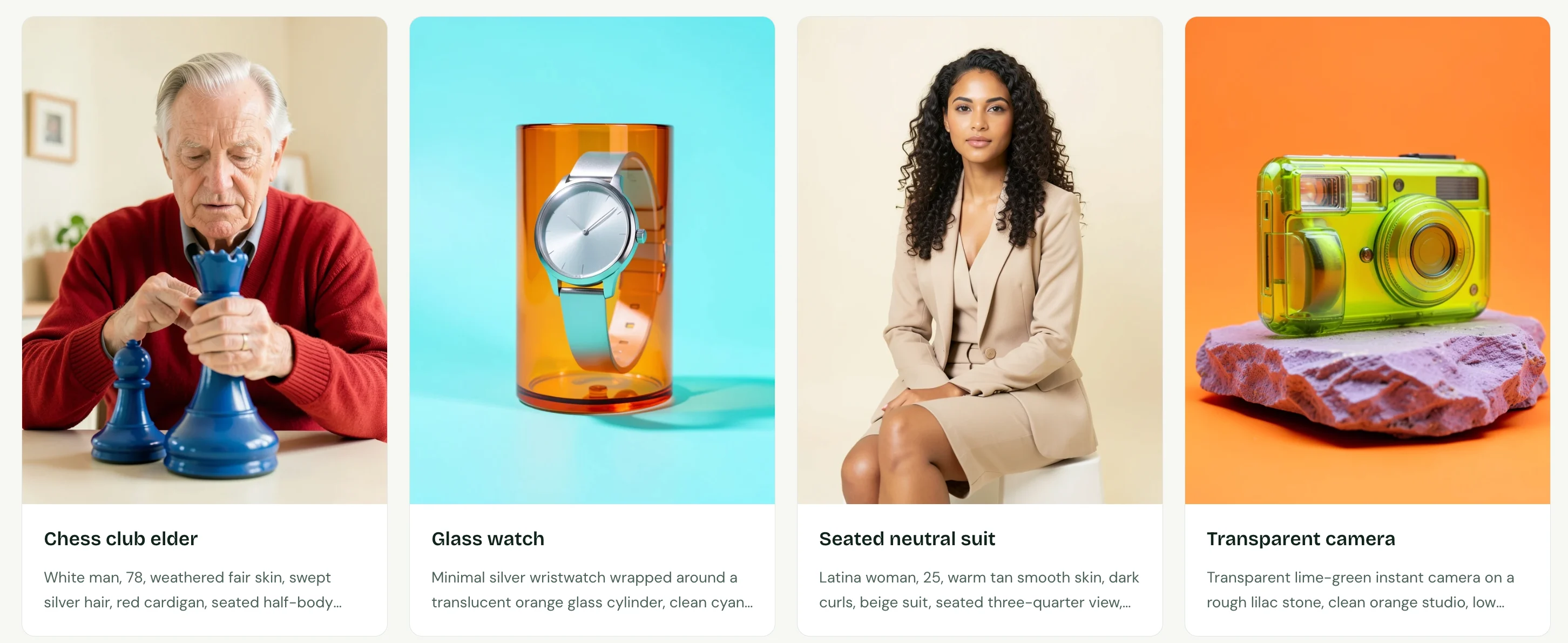
Image generated by Free AI Image
Sign up for one of these and "free" might mean a new batch of images tomorrow morning. On another it means ten credits and then nothing, forever. A third will put its logo on every picture. A fourth will quietly add your work to a gallery strangers can browse.
I went through 10 of them on the free plan only, no credit card, no trial upgrade, and wrote down the terms rather than the marketing.
Start here if you just want the short version.
The short version:
- Works with no account: Free AI Image, or Stable Diffusion on your own machine
- Comes back fastest: Grok Imagine, roughly 10 images every two hours
- Runs out permanently: Adobe Firefly, 10 credits once and that is the end of it
- Marks every image: Gemini, Bing, and Recraft
- Makes your work public: Ideogram, Recraft, and Leonardo
- Keeps the commercial rights: Recraft and Leonardo
What I Looked At
Four questions, asked of every tool on the list:
- How much, and how often. A quota that comes back tomorrow is a different product from one that never does.
- Does it mark the output. And if so, can you see it.
- Who owns it, and who can see it. Some free tiers keep the rights. Some publish by default.
- What it takes to start. An account, a card, or nothing at all.
Everything below reflects September 2026. These terms shift without announcement, so I revisit the list periodically.
Disclosure: Free AI Image is our own product. It answered the same four questions as every other entry, and the table at the end shows the answers side by side.
1. Free AI Image
Where it fits: you want a picture now and you are not creating an account for it
Nearly everything else here puts a login between you and your first image. This one does not. Load the page, describe what you want, save the file.
The prompt box sits right on the homepage. Write your prompt, choose an aspect ratio (1:1, 3:4, 4:3, 9:16, or 16:9), and click "Generate free image."
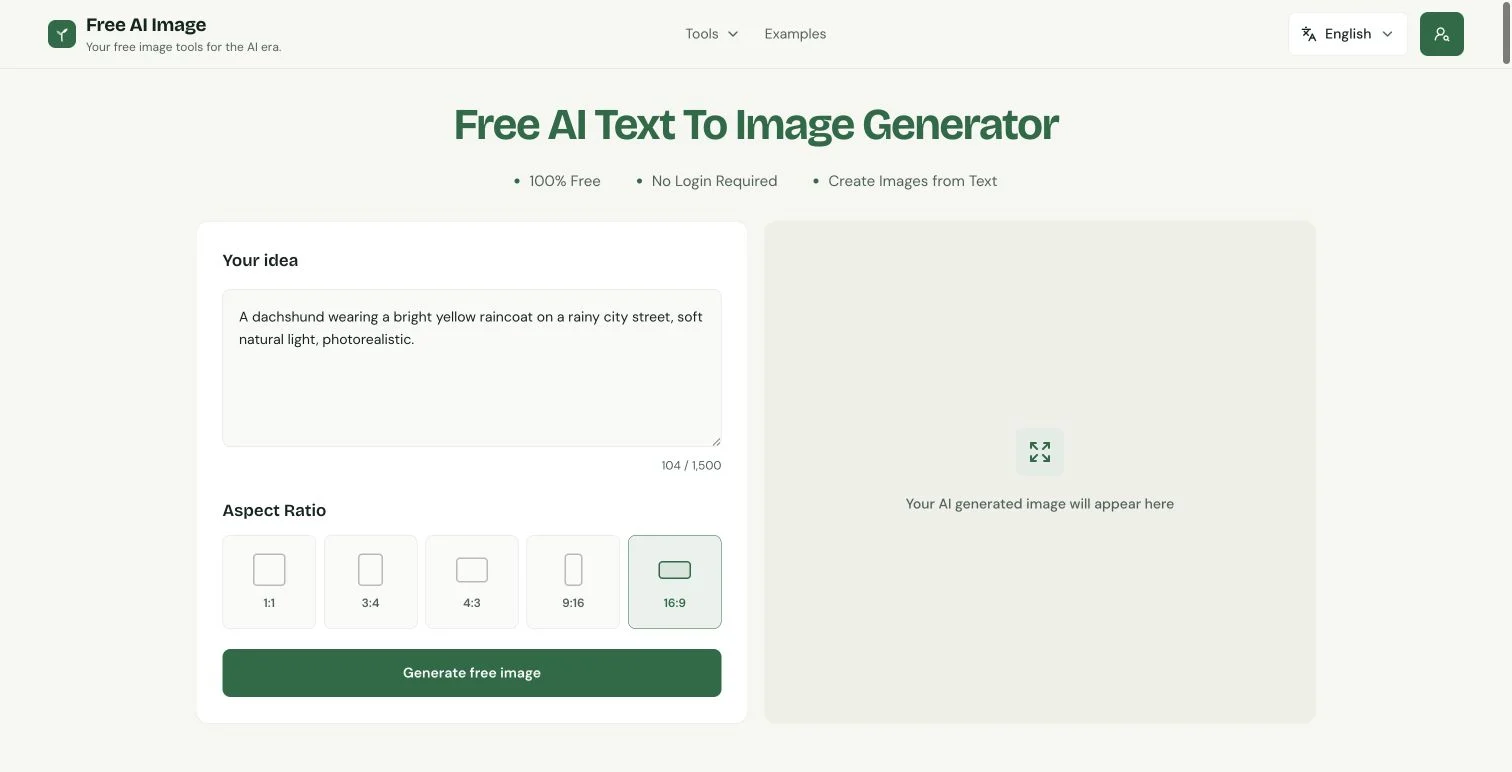
To edit a photo instead, upload a PNG, JPG, or WebP file (up to 10MB) and describe the change.
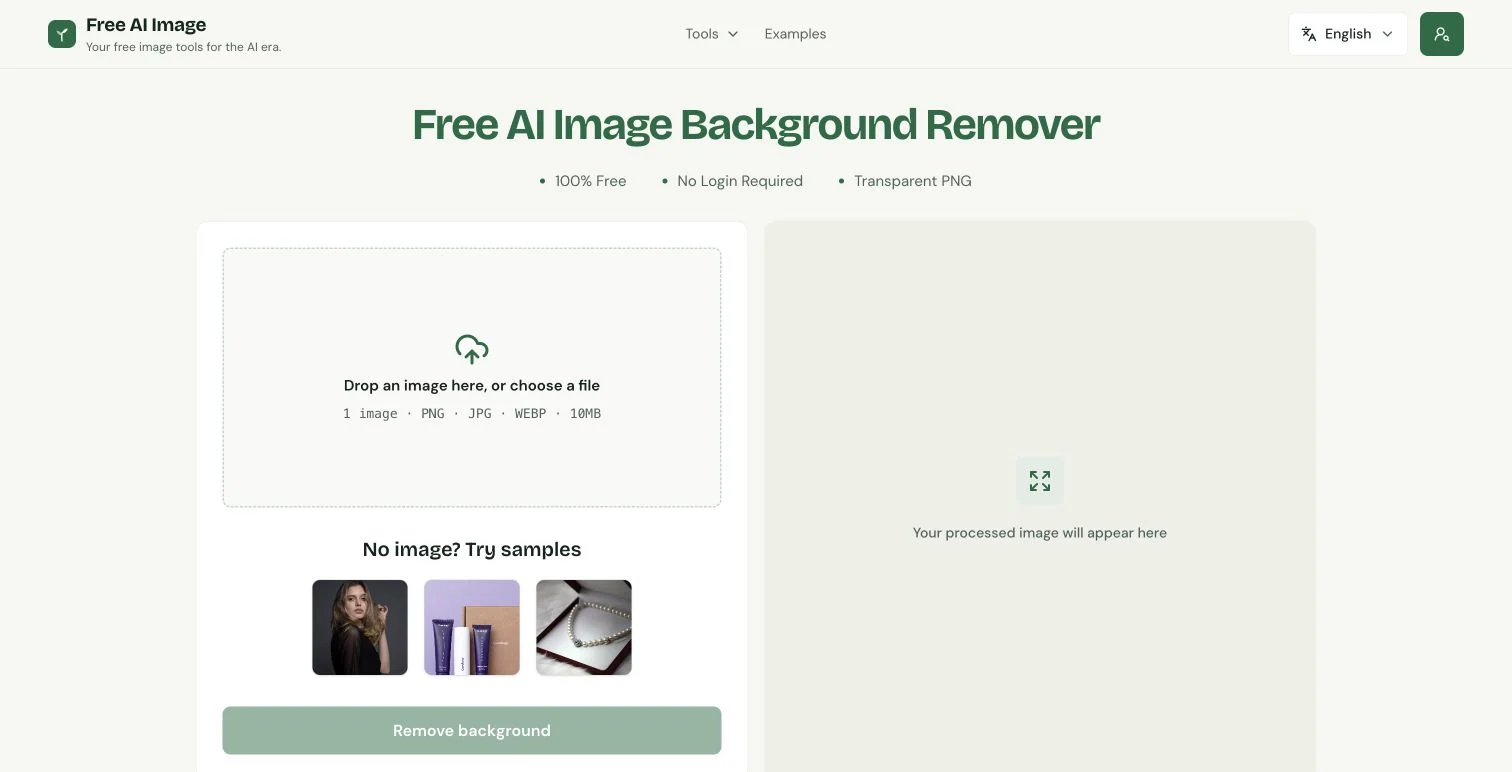
The site also includes one-click tools for the jobs that usually come right after generation: a background remover, an upscaler, an object remover, an image extender, and a resizer.
Where it falls short: the free tier runs on Z-Image Turbo for text-to-image and FLUX Klein 4B for photo edits, both tuned for speed rather than maximum detail. That's the trade. It's built for everyday images, a blog header, a quick mockup, a placeholder in a deck. When the image itself has to hold up to close inspection, Gemini and ChatGPT (below) go further.
Two smaller things. Each request returns one image, not a batch of variations. And normal use isn't capped: the free model doesn't spend credits, and the rate limit that exists is there to stop scripted abuse, not ordinary clicking.
- Sign-up: Not needed
- Free limit: No cap for normal use
- Watermark: None
- Commercial use on free plan: Yes
2. ChatGPT
Where it fits: changing an image by talking about it
The image model behind ChatGPT is among the strongest anywhere, and the free plan runs the same one. What changes is how often you may use it.
What sets it apart is context. Because it works inside a chat, you can refine an image step by step: generate it, then say "make the raincoat red" or "move the dog to the left," and it changes that detail while keeping the rest.
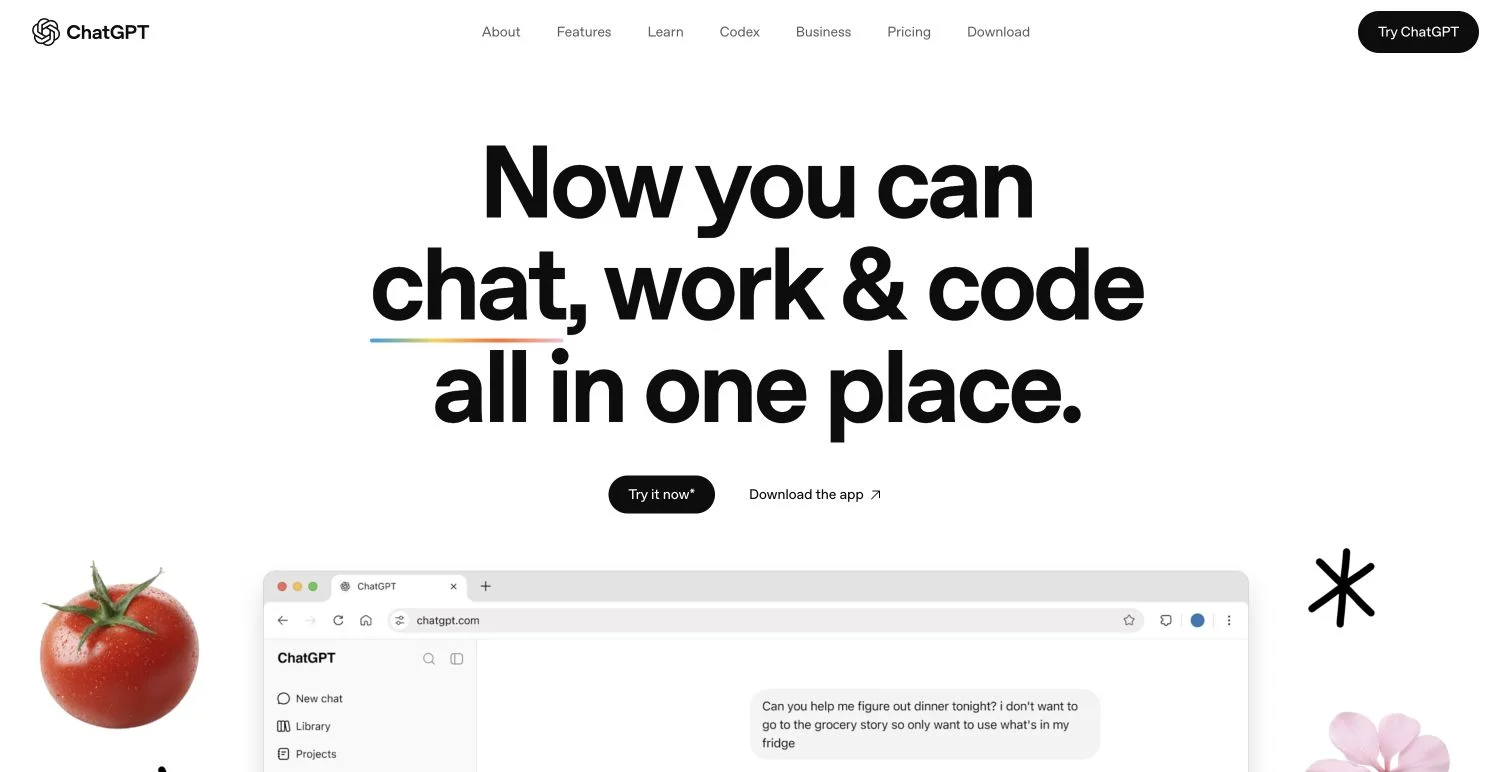
To start, open ChatGPT, sign in with a free account, and describe the image you want.
Tip: change one thing per message. Asking for three edits at once makes it more likely to redraw the whole image.
The limits: OpenAI doesn't publish a free cap, and it moves with server load. In practice the free plan is a few images a day, at low priority. Generation is also slower than most tools here, and you get one image per request.
- Sign-up: Free account
- Free limit: Undisclosed, a few images a day
- Watermark: None
- Commercial use on free plan: Yes, you own the output
3. Google Gemini (Nano Banana 2)
Where it fits: photographs, and changes to photographs
Gemini runs Google's Nano Banana 2. Realism holds up well for something that costs nothing, and it reads long prompts carefully rather than skimming them.
Sign in to Gemini with a Google account and describe your image.
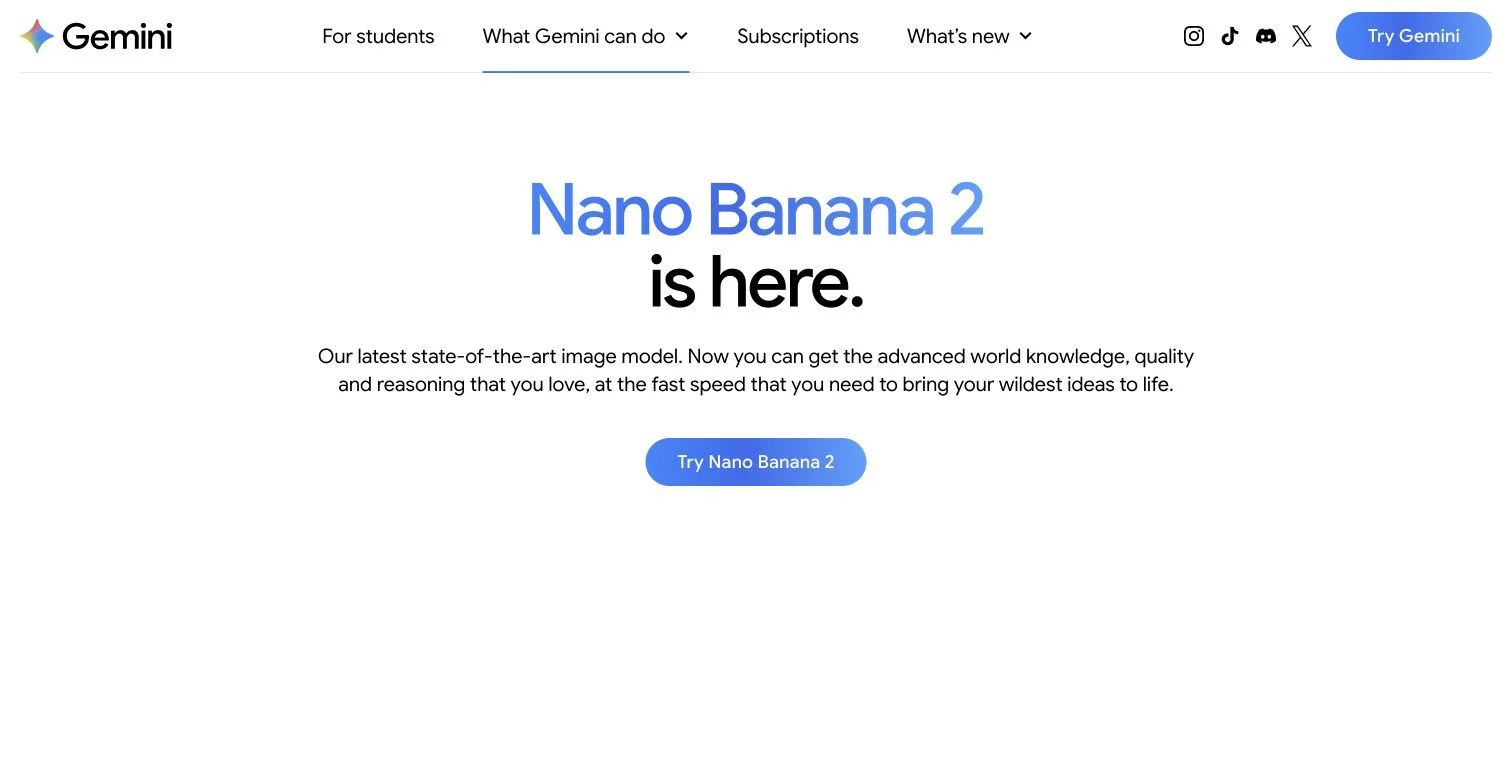
It's especially strong at editing. Change one thing in a photo and everything you didn't mention stays exactly as it was.
Tip: Gemini has almost no settings panel. Put format instructions right in the prompt, like "16:9, wide shot."
The free plan refills every day, at around 20 images. The bigger catch is the watermark: Gemini stamps a visible one on everything it generates, which rules it out for anything you publish as-is.
- Sign-up: Free Google account
- Free limit: Refills daily, around 20 images
- Watermark: Yes, visible
- Commercial use on free plan: Yes, Google doesn't claim ownership
4. Microsoft Bing Image Creator
Where it fits: trying one prompt against several engines
Bing puts a handful of image models behind a single free interface. Write the prompt once, run it through each, keep whichever came out best.
Sign in to Bing Image Creator with a Microsoft account, pick a model (MAI-Image-1, DALL-E 3, or GPT-4o), and generate.
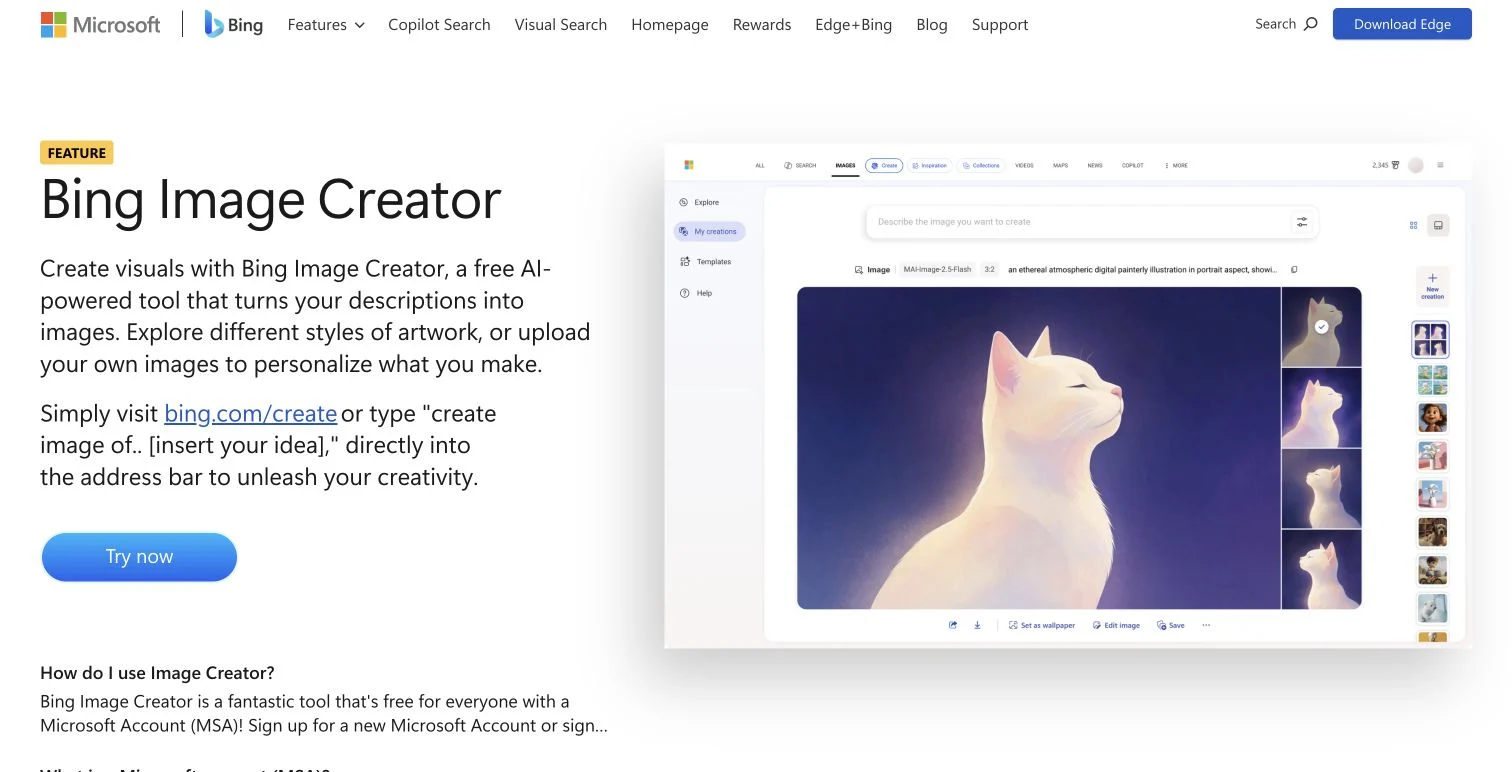
Speed is the trade-off. You get 15 fast generations a day, and after that it keeps working, just slower. There's also a ceiling of 200 prompts in 24 hours, and edits count against it.
Its content filters are the strictest here. Editing is locked to one model too: upload an image and GPT-4o takes over automatically. And every image carries a visible watermark plus Content Credentials metadata.
- Sign-up: Free Microsoft account
- Free limit: Refills daily, 15 fast generations
- Watermark: Yes, visible
- Commercial use on free plan: Yes, but not exclusive
5. Ideogram
Where it fits: anything where the words have to be legible
Text inside generated images is still where most models fall apart. You ask for "OPEN LATE" and get "OPNE LAET."
Ideogram is the exception. Its model is built to render readable text, which makes it the best free option when the words have to come out right.
Sign up for a free account at Ideogram, type your prompt, and put the exact words you want in quotes.
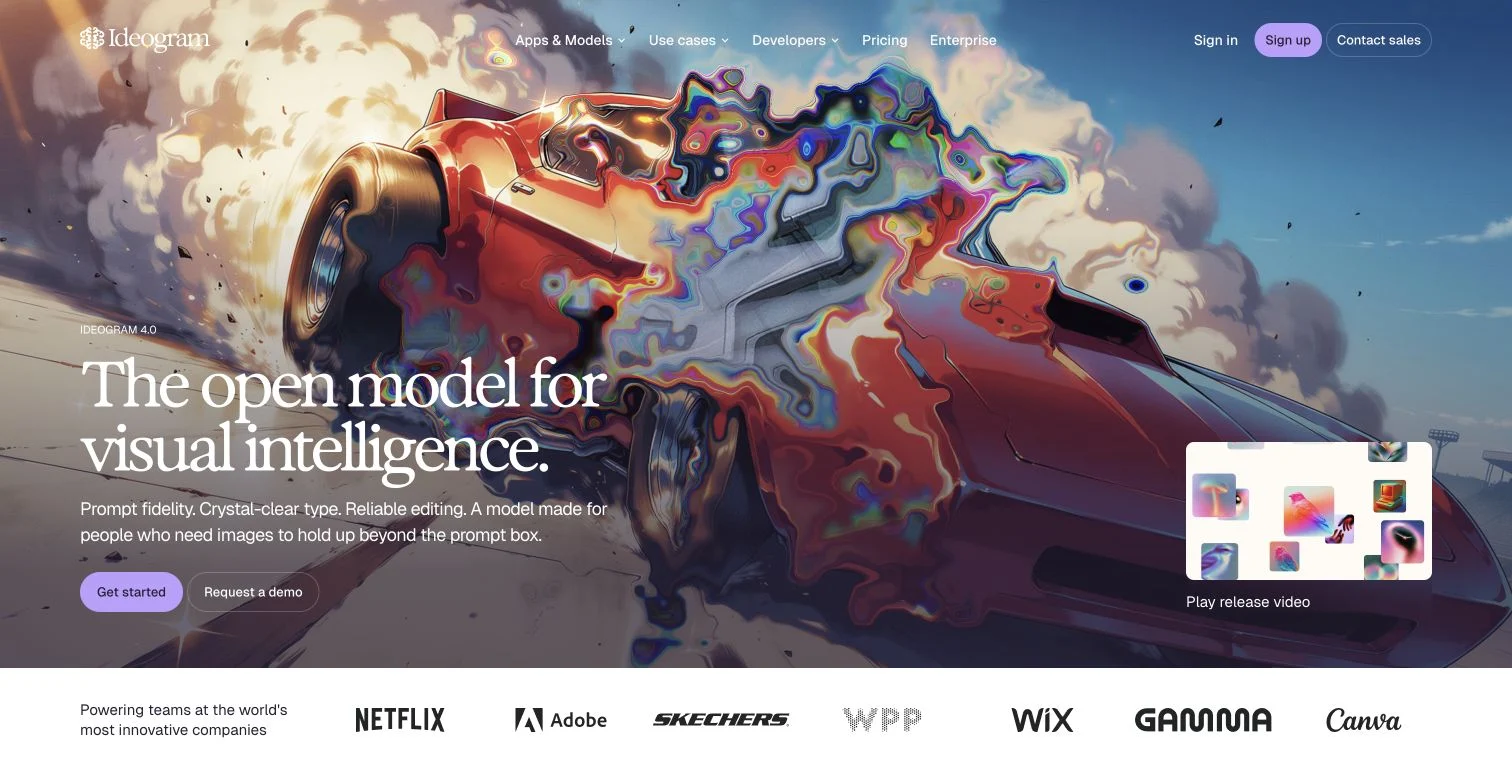
The free plan is limited, though. You get a dozen slow credits a day, you wait in a queue, and every image is public by default. That's fine for a blog thumbnail, but not ideal for a client project.
- Sign-up: Free account
- Free limit: Refills daily, 12 slow credits
- Watermark: None
- Commercial use on free plan: Yes, but images are public
6. Recraft
Where it fits: marks and icons that need to scale
Recraft exports genuine SVG rather than a flat bitmap. Blow a vector up to billboard size and it stays sharp, which is the whole point for a logo.
Create a free account at Recraft, choose "Vector" as the image type before you write the prompt, and generate.
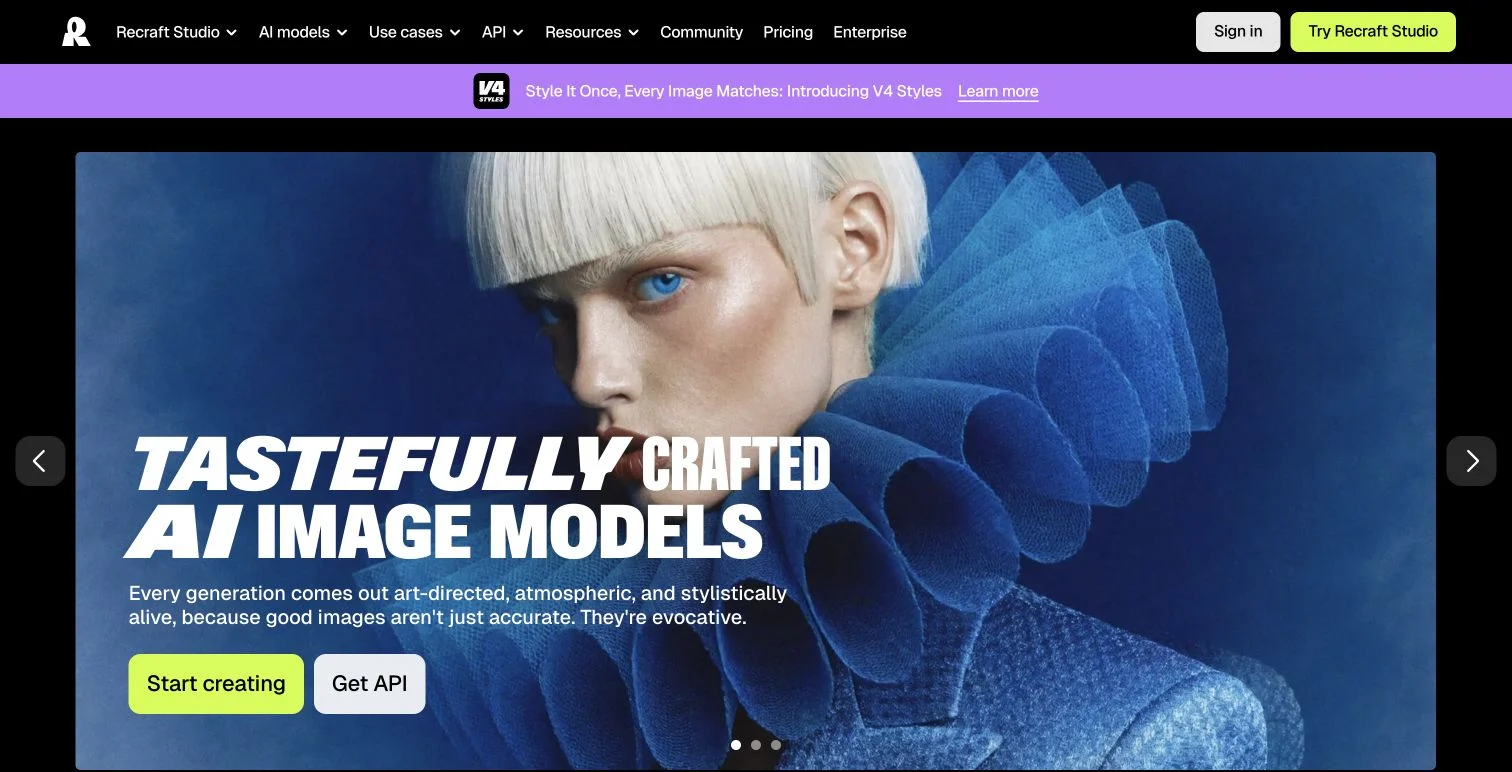
You get 30 credits a day, refilled whether you used them or not.
The catch is ownership. On the free plan Recraft keeps the rights to what you generate, your images land in a public gallery, and commercial use isn't allowed. Use it for personal projects and prototypes, and upgrade before anything goes into a real brand.
- Sign-up: Free account
- Free limit: Refills daily, 30 credits
- Watermark: Yes
- Commercial use on free plan: No
7. Leonardo AI
Where it fits: you want the dials, not the defaults
Nothing else on this list hands you as many controls. Several models to choose between, style references, character consistency, and granular settings for size and quality.
After signing up at Leonardo, open the Image tool, pick a model, set the dimensions, and generate.
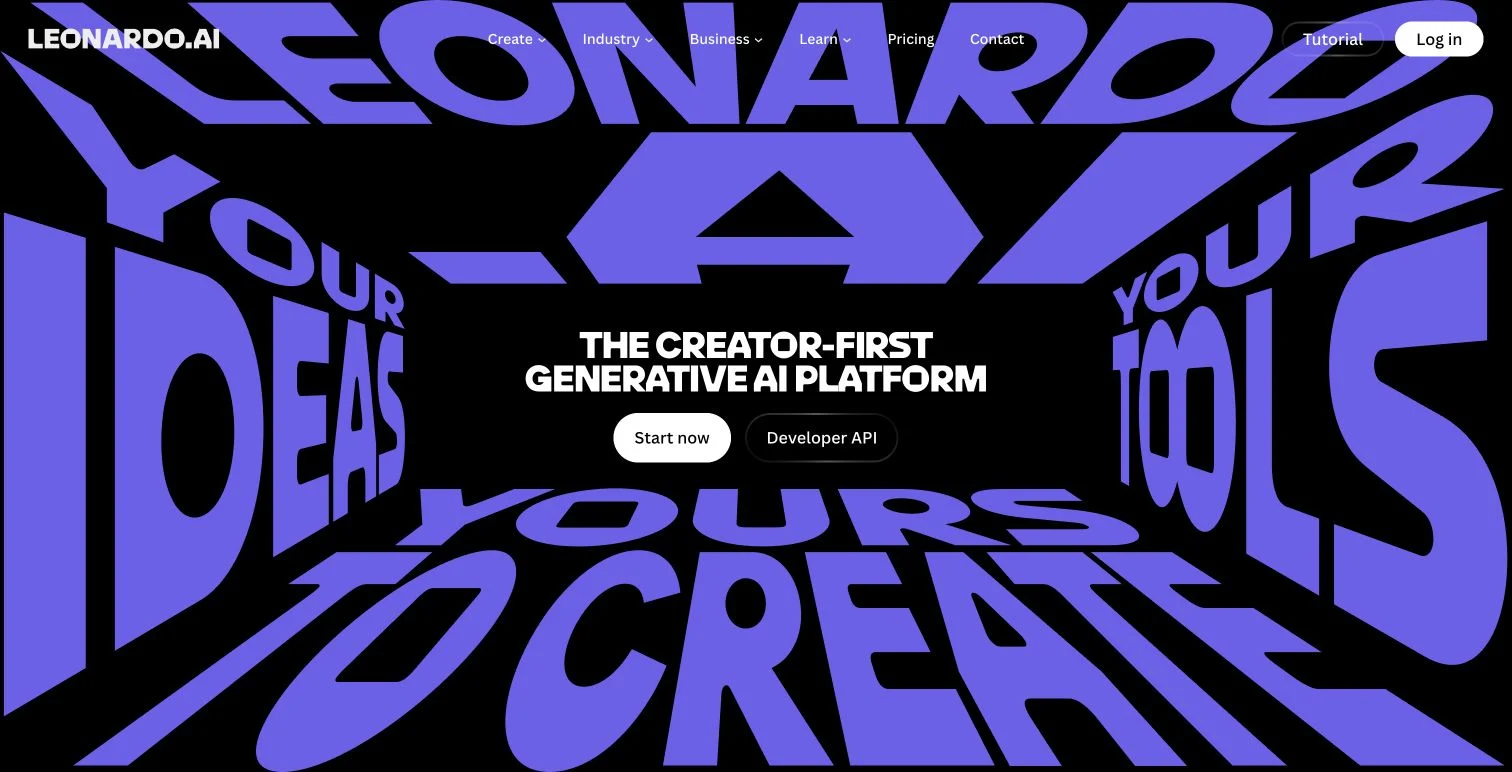
The free plan gives you 150 Fast Tokens a day, but premium models burn through them fast. In practice that's a handful of images.
Tip: to stretch your tokens, test prompts on a cheaper model first, then switch to a premium model for the final image.
Like Recraft, the free tier is public: other people can see what you generate, and Leonardo keeps broader usage rights. It's not the place for confidential work.
- Sign-up: Free account
- Free limit: Refills daily, 150 Fast Tokens
- Watermark: None
- Commercial use on free plan: No
8. Adobe Firefly
Where it fits: someone is going to ask where the image came from
Adobe builds its own Firefly models on licensed and public-domain material and sells them for commercial work. If your company has a policy about image provenance, that answer is worth more than a small edge in quality.
Sign in at Firefly and write your prompt. Generated images move into Adobe Express and Photoshop without a download step.
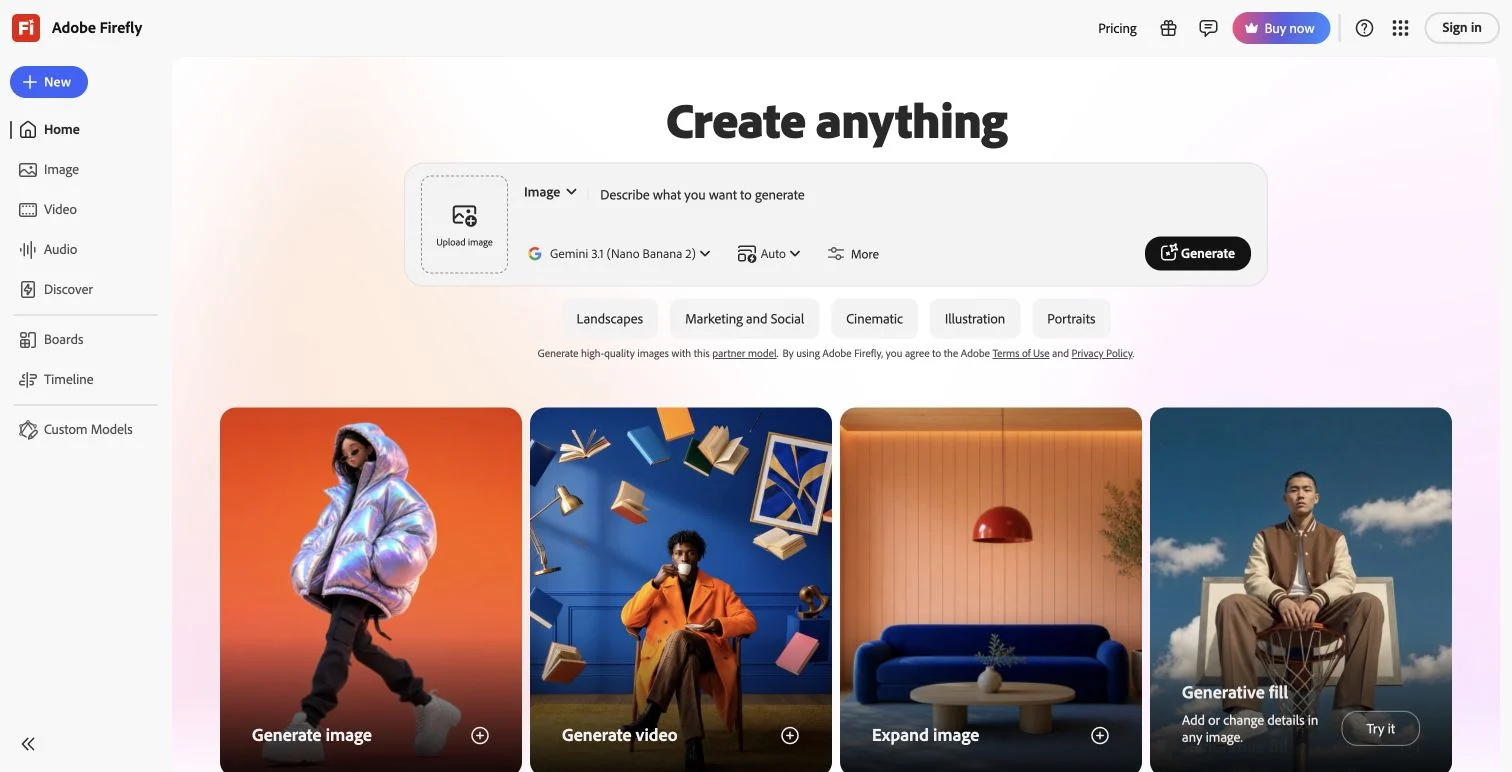
Tip: check which model is selected. Firefly also hosts partner models, and those carry different licensing terms than Adobe's own.
The free plan is the strictest here, and it's strict in an unusual way: you get 10 credits once, not 10 a day. A basic generation costs one credit, larger images cost more. When they're gone, they're gone.
- Sign-up: Free Adobe account
- Free limit: 10 credits, one-time
- Watermark: None
- Commercial use on free plan: Yes, on Adobe's own models
9. Stable Diffusion (Running Locally)
Where it fits: no quota, and nobody watching
Stable Diffusion is open source, and you can run it on your own hardware. No account, no counter, and your prompts never leave the machine.
Setup is the hard part. You install an interface such as ComfyUI, download a model, and launch it locally. The GitHub README for each interface covers the installation steps.
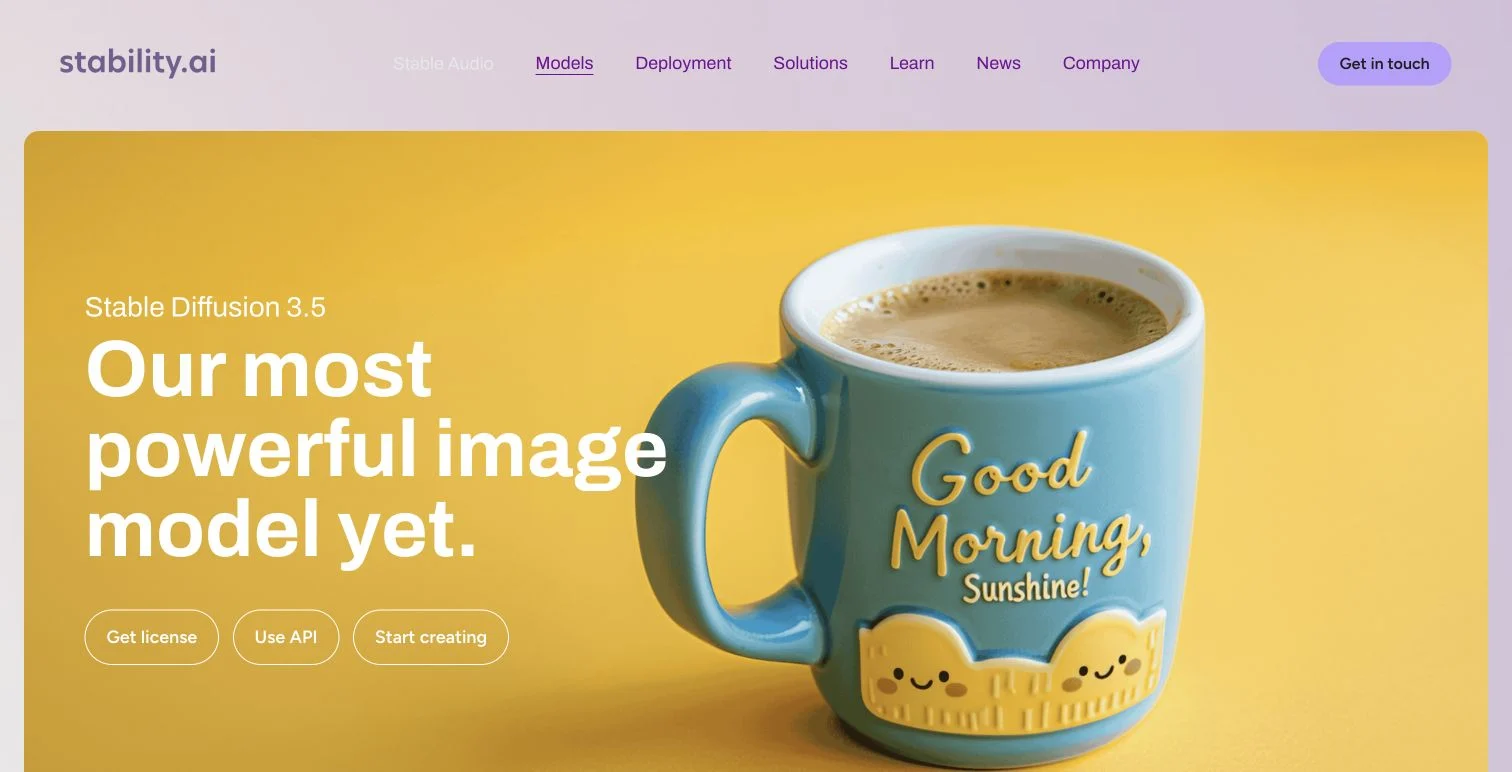
The main requirement is hardware: you'll need a capable GPU.
Licensing depends on the model you download, so check its license before commercial use.
- Sign-up: Not needed
- Free limit: None (your hardware is the limit)
- Watermark: No
- Commercial use: Depends on the model license
10. Grok Imagine
Where it fits: you would rather wait two hours than until tomorrow
Every other hosted tool here resets overnight. Grok tops you back up roughly every two hours, which turns a hard stop into a short break.
Open Grok, switch to image generation, and write your prompt.
xAI is clear about rights: you own what you generate and can use it commercially. The one condition is labeling. xAI asks that you mark content as created with Grok.
- Sign-up: Free account
- Free limit: About 10 images every 2 hours
- Watermark: None, but xAI asks you to label output
- Commercial use on free plan: Yes, with labeling
Everything At Once
| Tool | Best for | Sign-up | Free limit | Watermark | Commercial use (free) |
|---|---|---|---|---|---|
| Free AI Image | Fast start, no account | No | No cap for normal use | None | Yes |
| ChatGPT | Editing by chat | Free account | Undisclosed, a few a day | None | Yes |
| Google Gemini | Realistic images | Google account | ~20 a day, refills | Visible | Yes |
| Bing Image Creator | Comparing models | Microsoft account | 15 fast a day, then slower | Visible | Yes, non-exclusive |
| Ideogram | Text in images | Free account | 12 slow credits a day | None | Yes, but public |
| Recraft | Vector graphics | Free account | 30 credits a day | Yes | No |
| Leonardo AI | Fine control | Free account | 150 tokens a day | None | No |
| Adobe Firefly | Commercially safe images | Free account | 10 credits, one-time | None | Yes |
| Stable Diffusion (local) | Unlimited, private | No | Unlimited | No | Depends on model |
| Grok Imagine | Fastest quota reset | Free account | ~10 every 2 hours | None | Yes, with labeling |
A note on the watermark column: some tools label images to mark them as AI-generated, others do it to nudge you toward a paid plan. Either way it's the hardest thing on this table to work around.
Narrowing It Down
Work backwards from what you cannot live with, rather than forwards from what sounds best.
- You want one image and you're not signing up for anything: Free AI Image.
- You need a lot of images in one sitting: Grok Imagine first, then Bing. Bing slows down instead of stopping.
- The image is going into paid work: skip Recraft and Leonardo. Their free plans don't license commercial use.
- The work is confidential: skip Ideogram, Recraft, and Leonardo. Free-plan images on all three are public.
- A watermark would be a problem: skip Gemini, Bing, and Recraft.
- Your company asks where the training data came from: Adobe Firefly, on Adobe's own models.
A habit worth forming: because these quotas reset on different clocks, running dry on one tool is rarely a reason to stop. Grok returns in two hours, most of the others overnight, Firefly not at all. Move to the next one instead of waiting.
Where That Leaves You
None of these is generous on every axis, and none of them pretends to be. Each one charges you in a different currency: your email address, a logo in the corner, a gallery listing, a quota that never comes back. The useful question is not which plan is best but which price you happen not to mind paying.
If the account step is the one that bothers you, Free AI Image skips it entirely. Nothing to sign up for, nothing to install.


Comments
Post a Comment